
Updated 18 September 2026. Originally published in 2018; revised to replace outdated advice and links.
A full rebuild is not always the first job. An existing website may have useful foundations worth keeping, but check its technical condition before spending money on a new look.
1. Improve the pages that matter most
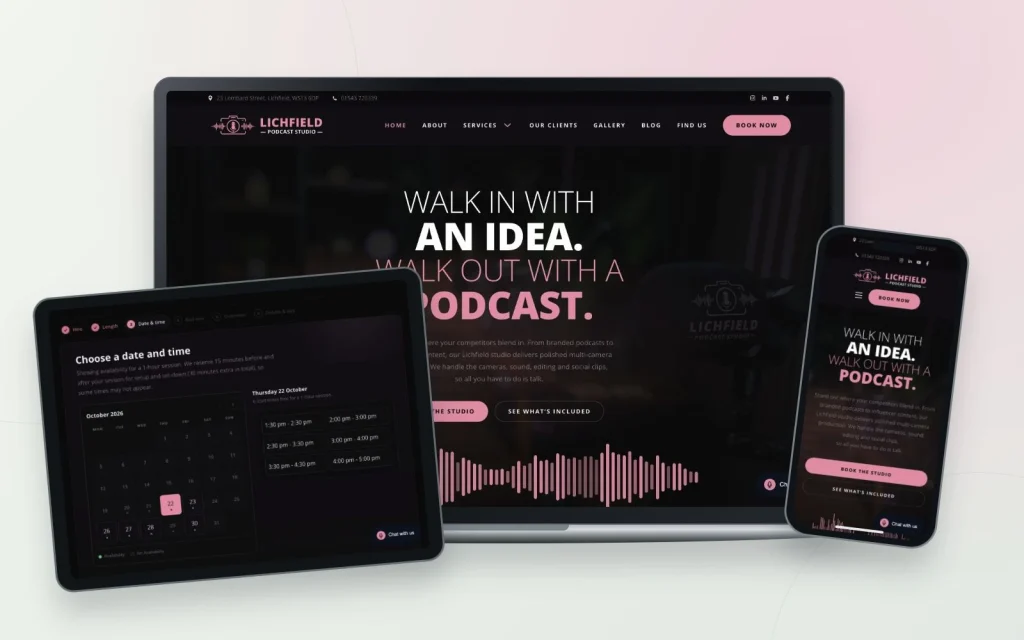
Start with your busiest service or enquiry pages. Update the offer, improve the hierarchy and replace images that no longer reflect the business. A supported content management system can make targeted changes practical, but compatibility and cost depend on the existing build.
2. Add useful evidence
A recent project, a clear answer to a common question or a properly attributed customer comment can make a page more convincing. Link it to the service it supports. Publishing for a fixed schedule is less useful than keeping the information accurate.
3. Make getting in touch easier
Check the mobile menu, contact details, forms and next-step buttons. Remove distractions that compete with the main task. A social feed may suit the page, but weigh its loading and privacy implications against simply showing selected examples with links.
Know when a rebuild is the sensible choice
If the platform is unsupported, the content structure is badly wrong or small changes repeatedly break other areas, a rebuild may be better value. Ask for a scoped comparison. Our old suggestion that a refresh could cost a quarter of a new site was not a dependable rule.
See our website options and tell us what is no longer working for you.