
Updated 18 September 2026. Originally published in 2015; revised to replace outdated advice and links.
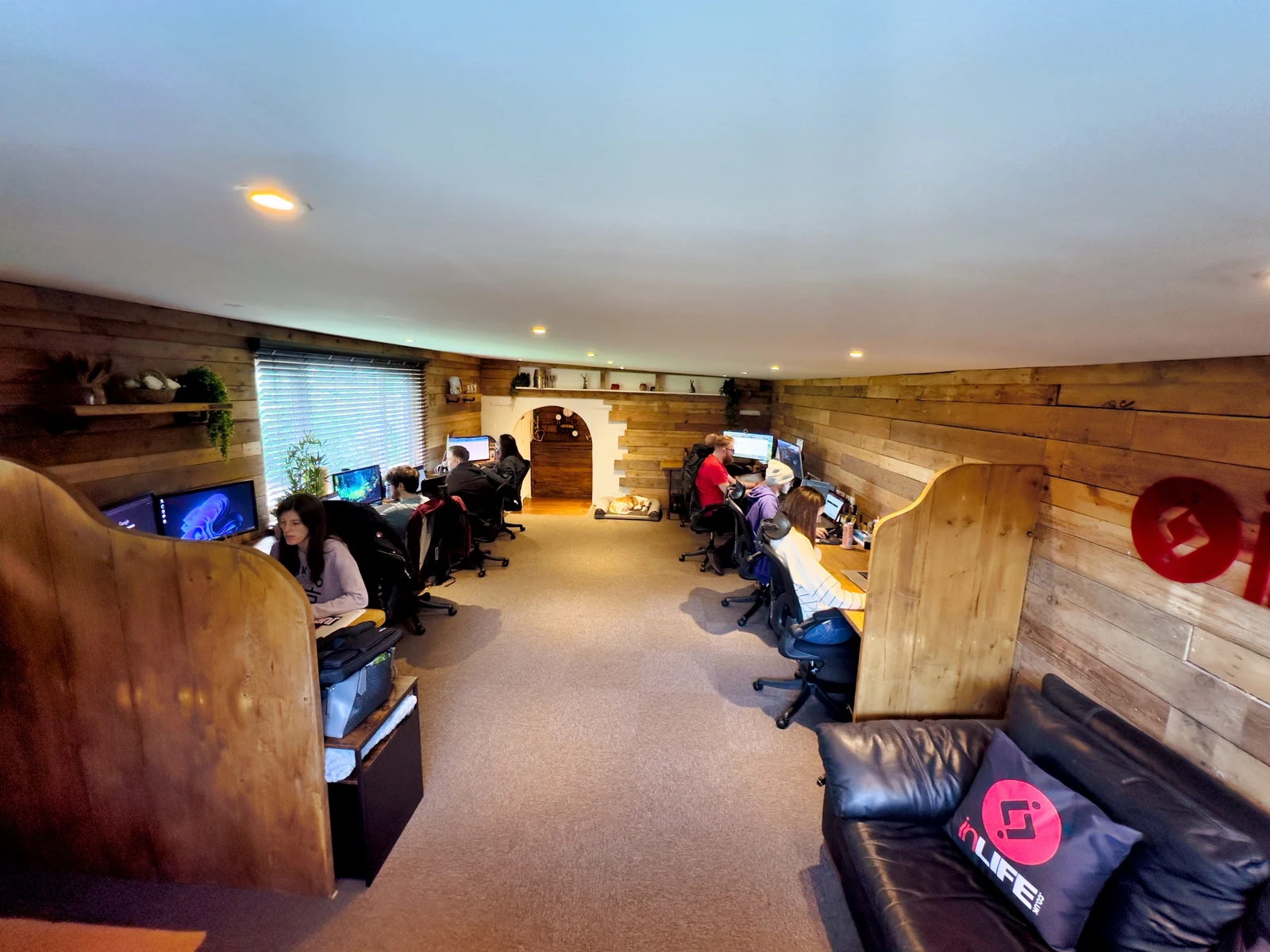
A photograph of your team, premises or finished work can answer a question that a generic image cannot. It helps a visitor understand what you actually do before they enquire.
Plan pictures around the page
List the services and questions you need to illustrate. A useful set might show a finished project, an important detail and the people or process behind it. Choose accurate images and obtain the permissions you need before publishing identifiable people or customer work.
Original does not automatically mean better
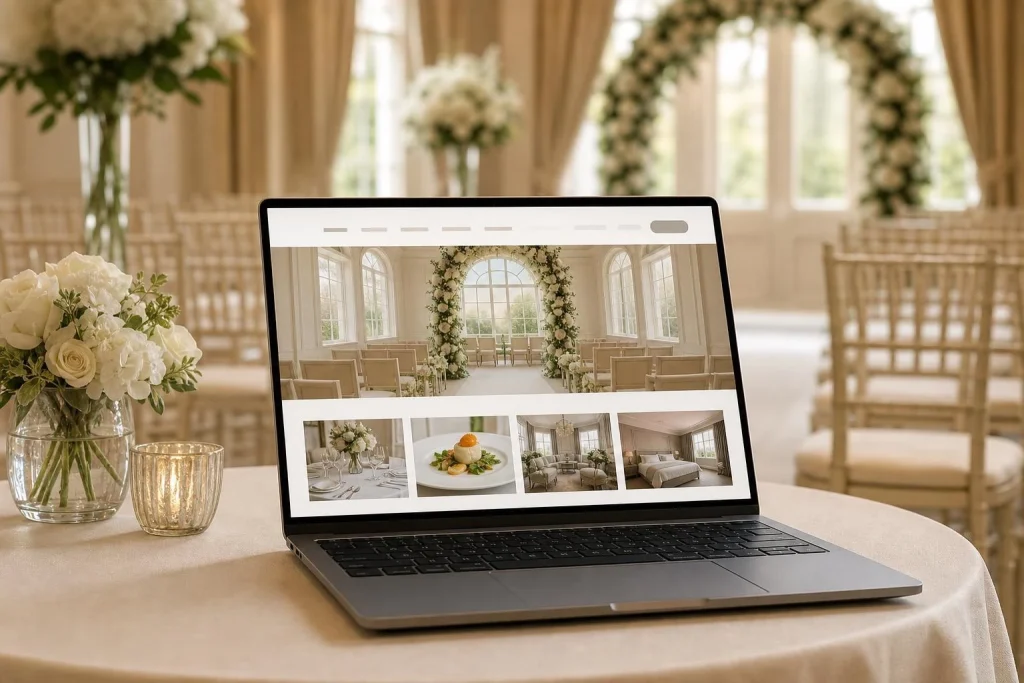
A dark or irrelevant photograph can still make a page harder to understand. Use suitable licensed imagery where it genuinely helps, and do not present stock or generated scenes as proof of a real client result.
Prepare images for the website
Use dimensions appropriate to where the image appears, compress it while retaining useful detail, and provide responsive versions when needed. Describe informative images with useful alternative text; leave decorative images with empty alternative text. Captions can explain a project or identify historical material.
Google’s image guidance explains how images and the surrounding page work together. Owning a photograph or having it shared socially does not guarantee better rankings.
When planning a new website, include an image brief early so that the layout and photography support each other. Talk to us about the story you want to show.